
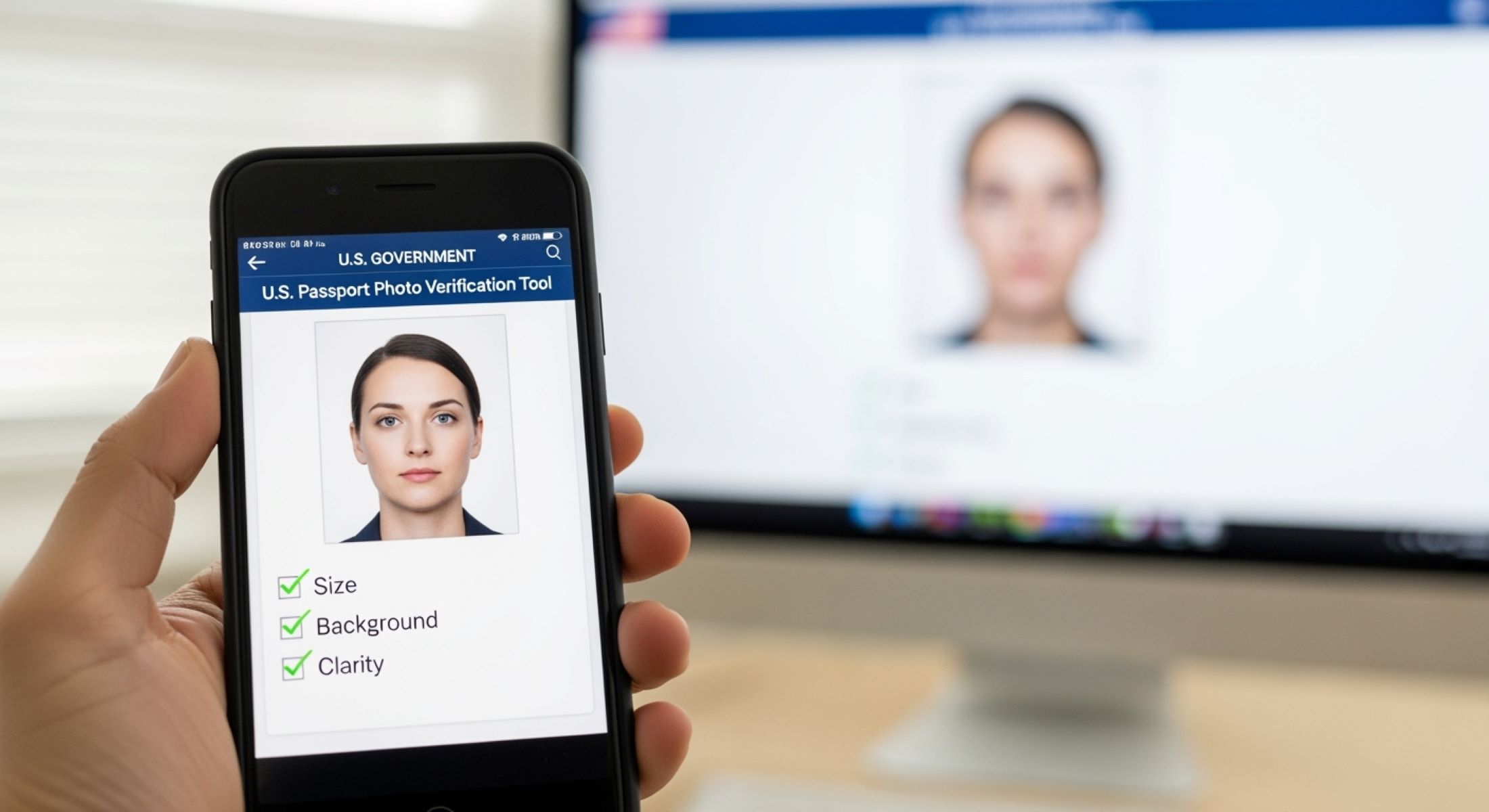
When it comes to applying for a U.S. passport, one of the most critical steps is getting your passport photo right. It might seem simple—a photo of your face—but the U.S. Department of State has strict guidelines that must be followed. Even a small mistake can lead to delays or rejection. So, how do you check if your digital passport photo meets U.S. standards? Let’s dive in.
Understanding the Importance of Passport Photo Standards
Before you even think about snapping a quick selfie or digging up an old photo, it’s crucial to understand why passport photo standards exist. Passport photos aren’t just a formality; they are a critical part of your identity verification process. Imagine walking through airport security, border control, or even using your passport for official identification. Every time your passport is scanned, your photo is used to confirm that you are, indeed, the person the document belongs to. If your photo is blurry, poorly lit, or altered in any way, it can create confusion and cause officials to question your identity, slowing down the process and potentially flagging your application for further review.
One of the most important reasons for strict passport photo standards is identification accuracy. Your face is the primary feature authorities rely on to match you with your passport, so it has to be perfectly visible and clearly presented. Blurry images, shadows, or exaggerated expressions can distort your features, making it difficult for automated systems and human officers alike to recognize you. Even minor alterations like heavy makeup, filters, or extreme facial expressions can interfere with recognition, which is why the guidelines emphasize a neutral expression and natural appearance. Essentially, your passport photo must serve as an unmistakable snapshot of how you normally look in everyday life.
Another key reason for these standards is security. Passport photos aren’t just for show—they’re part of a global security system designed to prevent identity fraud and unauthorized travel. Uniform requirements for photo size, background, lighting, and facial positioning help ensure consistency across millions of passports worldwide. This standardization allows border control systems, both in the U.S. and internationally, to quickly and accurately verify travelers. Without such standards, it would be easier for fraudulent documents or impersonators to slip through, compromising the integrity of national and international security measures. In a way, your passport photo acts like a digital fingerprint: unique, traceable, and essential for protection.
Finally, adhering to these standards can prevent delays in your passport application. Submitting a photo that doesn’t meet the official requirements often results in rejection, meaning you’ll have to retake and resubmit it, sometimes multiple times. This can add weeks or even months to your application process, which can be incredibly stressful if you have travel plans or time-sensitive official needs. Think of it like trying to fit a key into a lock: if the key isn’t shaped just right, the lock won’t turn. Your passport photo is that key—when it perfectly matches the required standards, it unlocks the door to smooth and hassle-free processing. Taking the time to understand and follow these rules upfront saves you frustration, ensures security, and guarantees your identity is accurately represented.
Basic U.S. Passport Photo Requirements
| Category | Requirement | Details | Common Mistakes | Tips for Compliance |
| Photo Size | 2 x 2 inches (51 x 51 mm) | The standard size for all U.S. passport photos. Head must fit proportionally within this frame. | Head too large or too small; photo cropped incorrectly. | Use a ruler or photo editing software to verify dimensions. Ensure head height is 1–1 3/8 inches, eyes 1 1/8–1 3/8 inches from bottom. |
| Background | Plain white or off-white | No shadows, patterns, or objects visible. Background must be uniform to ensure facial clarity. | Dark, cluttered, or patterned backgrounds; visible shadows. | Use a white wall or backdrop; ensure even lighting from front to avoid shadows. |
| Face & Expression | Fully visible, centered, neutral or natural smile | Face must face forward with both eyes open. Avoid tilting head or covering face with hair. | Looking away, squinting, or exaggerated expressions; hair covering face. | Position face directly toward camera; keep neutral or slight smile; ensure eyes are fully open and visible. |
| Attire | Everyday clothing; no hats or glasses | Religious head coverings allowed if worn daily. Sunglasses, tinted glasses, or uniforms (except religious) prohibited. | Wearing hats, caps, or sunglasses; uniforms that obscure natural appearance. | Wear normal clothes; remove glasses and hats unless required for religious reasons. |
| Quality | High-quality photo paper; no alterations | Photo must be clear, in focus, and not digitally altered in ways that change your appearance. | Blurry or low-resolution photos; heavy editing or filters. | Use professional cameras or high-resolution smartphones; avoid editing apps that alter facial features. |
Digital vs Printed Passport Photos
When it comes to submitting a passport photo, understanding the difference between digital and printed versions is essential. While the basic standards for facial positioning, expression, and background remain the same, each type has unique requirements that can affect whether your application is accepted. Here’s a detailed look at both options:
- Digital Passport Photos:
Digital photos are primarily used for online passport applications or renewals. They are uploaded directly to the official government portal, making the process faster and more convenient. Digital photos must meet specific file requirements in addition to the usual size, background, and facial standards. Key considerations include file format (JPEG), resolution (minimum 600 x 600 pixels), and file size (between 10 KB and 240 KB). Digital submissions are particularly sensitive to alterations—any retouching that changes your appearance can result in rejection. Therefore, taking a high-quality, natural-looking photo is critical. - Printed Passport Photos:
Printed photos are required for in-person passport applications and may also be used as a backup for certain electronic submissions. The physical quality of the photo matters, including high-resolution printing on professional photo paper. While digital files can be edited and cropped easily, printed photos must capture the correct dimensions (2 x 2 inches) and ensure proper lighting, neutral expression, and clear visibility of facial features. Any low-quality print, shadow, or blur can lead to delays or rejection. - Shared Standards for Both Digital and Printed Photos:
Regardless of format, both digital and printed passport photos must maintain consistent standards. Your head must be centered, with eyes open and facing forward. Backgrounds must be plain white or off-white, and no hats, sunglasses, or obstructive clothing are allowed. Facial expressions should be neutral or a natural smile, and photos must accurately reflect your current appearance. Compliance with these standards ensures your photo can be used for identification both domestically and internationally. - Additional Rules for Digital Photos:
Digital photos have extra rules that printed versions do not. File type, resolution, and file size are strictly regulated, as the uploaded photo must be compatible with automated processing systems. Brightness, contrast, and color balance also need careful attention, as digital screens can exaggerate shadows or color discrepancies. Unlike printed photos, where minor flaws might be overlooked, digital images are scanned and analyzed for strict adherence to requirements. Any deviation can trigger automatic rejection.
Digital Passport Photo Specifications
When submitting a digital passport photo, understanding the technical requirements is just as important as following the visual guidelines. Unlike printed photos, digital images are evaluated not only for facial clarity and background but also for file-specific standards such as format, resolution, and size. The U.S. State Department mandates that all digital photos be in JPEG format (.jpg or .jpeg). This ensures consistency and compatibility with the electronic processing systems used by passport agencies. Using other formats like PNG, TIFF, or GIF can result in automatic rejection, so double-check the file type before submission.
Color quality is another crucial factor for digital passport photos. The image must be in 24-bit color, which captures the full range of tones in your skin, hair, and eyes, allowing officials to clearly identify you. Black-and-white photos or images with reduced color depth are not acceptable. Proper lighting plays a key role here; uneven lighting or overly saturated colors can distort facial features, making identification difficult. Ensuring a well-lit, color-accurate image is essential to meet both the visual and technical standards required for digital submission.
File size and resolution are equally important. Digital photos must be a minimum of 600 x 600 pixels, which allows the image to maintain clarity when processed digitally. The file size should be no smaller than 10 KB and no larger than 240 KB. Files outside this range can either be too compressed, causing pixelation, or too large, creating upload issues on the official portal. Checking the resolution and file size before submission is a simple step that can prevent unnecessary delays or outright rejection of your application.
Finally, all other visual standards must still be strictly followed in a digital photo. Your head must be centered, facing directly forward, with eyes open and a neutral or natural smile. The background should be plain white or off-white without shadows or patterns, and no hats, glasses, or accessories should obscure your face. By carefully following these specifications, you can ensure that your digital passport photo passes the review process smoothly, avoids rejection, and accelerates the overall application process. Paying attention to both technical and visual details makes your photo submission a straightforward and stress-free experience.
Step-by-Step Guide to Checking Your Digital Passport Photo
| Aspect to Check | Requirement | Details | Common Mistakes | Tips for Compliance |
| Dimensions | 2 x 2 inches (51 x 51 mm) or 600 x 600 pixels | Ensures head fits proportionally within the frame and meets digital standards. | Image too large or too small; cropped incorrectly; resolution too low. | Use photo editing software or online measurement tools to confirm dimensions. Verify head height is 1–1 3/8 inches and eye height 1 1/8–1 3/8 inches from bottom. |
| Background | Plain white or off-white | Uniform background with no shadows, patterns, or objects ensures facial clarity. | Shadows behind the head; patterned or cluttered backgrounds; visible objects. | Take photo against a clean wall or use a plain backdrop. Adjust lighting to eliminate shadows. |
| Head Position & Size | Centered, facing forward | Head must be properly aligned with eyes and face clearly visible. | Head tilted or off-center; eyes too high or low in the frame. | Position yourself directly in front of the camera. Check alignment and head size relative to the frame before saving. |
| Facial Expression | Neutral or natural smile | Mouth closed or slight smile, eyes open, natural appearance without exaggeration. | Squinting, exaggerated expressions, closed eyes, or unnatural smile. | Relax facial muscles, look straight at the camera, and keep expression neutral. Take multiple shots to pick the best one. |
| Lighting & Photo Quality | Even lighting, high resolution, unaltered | Bright, clear photo without shadows, glare, or pixelation. Avoid filters or retouching that change appearance. | Overexposed or underexposed images; shadows on face; blurry or edited photos. | Use natural or soft studio lighting. Ensure camera is steady. Avoid photo editing apps that modify facial features or background. |
Common Mistakes to Avoid
When submitting a passport photo, even small mistakes can result in rejection or delays. Being aware of common pitfalls can save you time, money, and frustration. Here are the most frequent errors to watch out for:
- Wearing Glasses: Glasses, especially tinted or reflective lenses, are not allowed in passport photos. Frames that cover the eyes or cast shadows on your face can also cause rejection. Even prescription glasses without tint can be problematic if they create glare in the photo. Removing glasses ensures that your eyes are fully visible, which is essential for identification purposes.
- Headwear Issues: Wearing hats, caps, or scarves that are not part of daily religious attire is strictly prohibited. Head coverings can obscure facial features, making it difficult for border agents to identify you. Even slight tilts or loose hair falling over the face due to headwear can result in non-compliance. Only religious head coverings that are worn daily and do not obstruct the face are acceptable.
- Low-Resolution or Poor Quality Images: Grainy, blurry, or pixelated photos are a common cause of rejection. Photos must be taken with a high-resolution camera or smartphone to capture sharp, clear facial details. Low-quality images can distort your features and reduce the ability of automated and manual verification systems to accurately match your face.
- Incorrect Head Position or Size: Your head must be centered in the frame and proportionate to the photo size. Heads that are too small or too large in the frame can result in a failed application. The eyes should be positioned at the proper height from the bottom of the photo, and the face should face forward. Slight tilts or off-center alignment can cause non-compliance.
- Distracting Backgrounds: The background must be plain white or off-white with no shadows, patterns, or objects. Background distractions can interfere with facial recognition systems and make your photo appear unprofessional. Even subtle shadows or textures can lead to rejection, so using a clean, uniform backdrop is essential.
- Wrong File Format or Size (Digital Photos): JPEG (.jpg or .jpeg) is the only acceptable format for digital submissions. Other formats such as PNG, TIFF, or GIF are typically rejected. Additionally, digital photos must meet file size requirements, usually between 10 KB and 240 KB, to ensure compatibility with online submission systems. Incorrect file format or size can result in automatic rejection even if the photo itself meets visual standards.
- Improper Lighting: Uneven lighting can create shadows on the face or background, which may obscure facial features. Overexposed or underexposed photos can make skin tones appear unnatural or make the image too dark to process. Proper, even lighting from the front is crucial for compliance.