
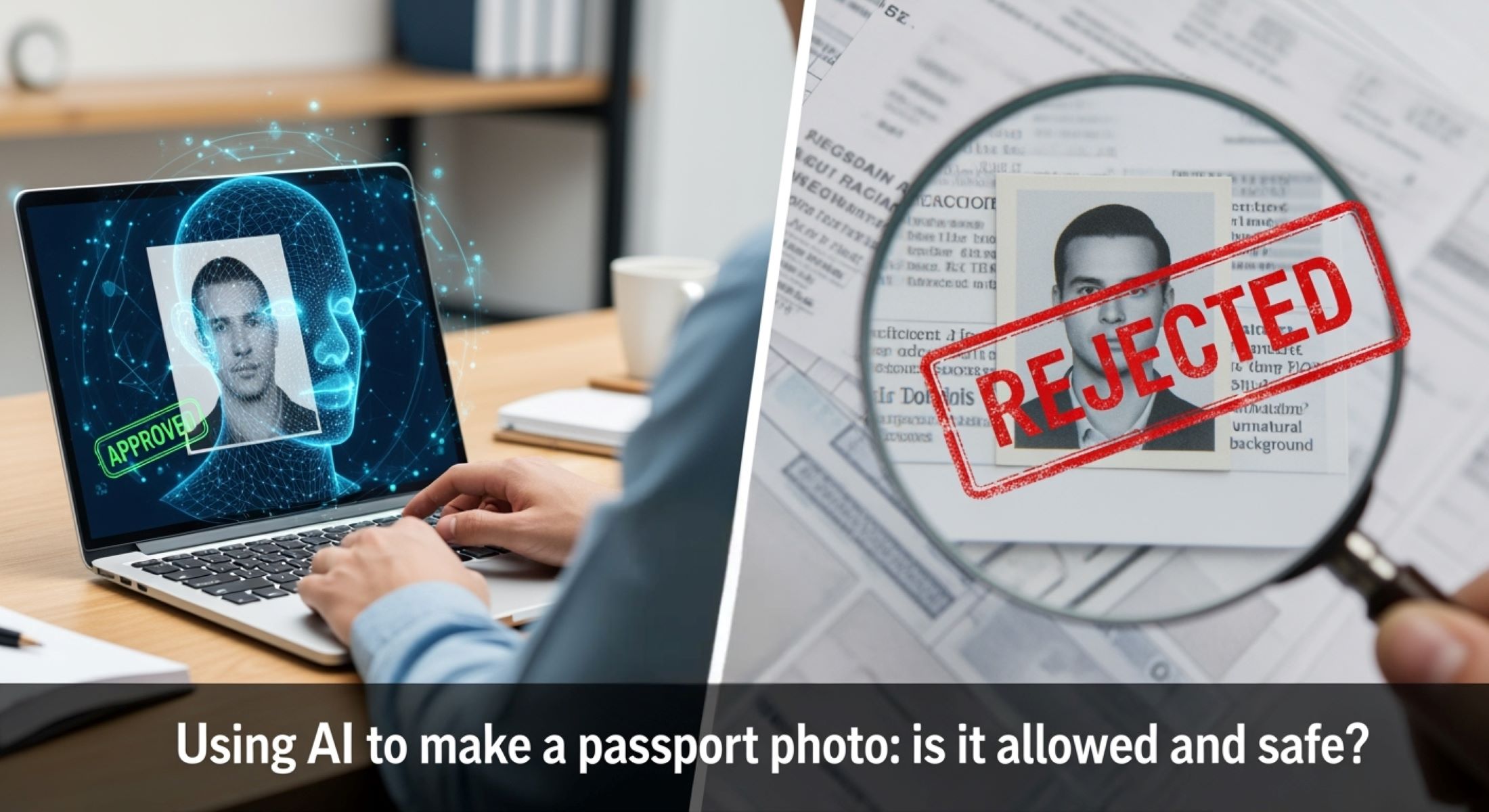
Creating a passport photo has traditionally been a meticulous task. You know the drill—dress formally, maintain a neutral expression, face the camera straight on, and ensure your photo meets every tiny government specification. But now, AI is stepping into the scene, promising to make this process faster, cheaper, and maybe even more convenient. Sounds exciting, right? But is it really allowed? And, more importantly, is it safe? Let’s explore.
What is an AI-Generated Passport Photo?
AI-generated passport photos are created using advanced artificial intelligence algorithms designed to replicate or enhance traditional passport photos. Unlike conventional methods, where you would visit a professional studio and follow strict guidelines, AI tools can take a simple selfie or digital image and transform it into a passport-ready photo. These algorithms analyze your facial features, detect the background, and automatically adjust the image to match official size and proportion requirements. Essentially, AI acts as a digital assistant that ensures your photo fits the technical specifications demanded by passport authorities, such as dimensions, head position, and even color balance.
One of the standout features of AI-generated passport photos is the ability to modify lighting and backgrounds with precision. Poor lighting or distracting backgrounds in a selfie can result in a rejected passport application, but AI can correct shadows, brighten uneven areas, and replace complex or unsuitable backgrounds with the plain, neutral tones required by government standards. This means even if you take a photo at home under imperfect lighting, the AI can refine it to look as though it was taken under professional studio conditions, saving time and effort for applicants.
In addition to background and lighting adjustments, AI can enhance facial clarity. This includes sharpening facial features, removing unwanted shadows, and improving overall image quality. These enhancements are subtle but crucial because passport authorities demand that facial features are clearly visible for identification purposes. Some AI apps even detect the smallest inconsistencies in head angle or eye placement, automatically aligning your face to meet the exact criteria. This level of precision can significantly reduce the likelihood of a rejected application due to technical photo errors.
However, the power of AI in passport photos also raises an important legal and ethical question: how much modification is too much? While minor corrections like lighting or background edits are generally acceptable, altering facial features can be problematic. Some AI tools can smooth skin, adjust facial contours, or change expressions—features that might unintentionally misrepresent your appearance. Since passport regulations in most countries require that photos accurately reflect your current, natural appearance, using AI-generated images without careful attention could result in rejection or delays. This makes understanding the limits and safe use of AI for passport photos essential for anyone considering this modern alternative.
How Traditional Passport Photos Work
| Requirement | Description | Why It Matters | Common Mistakes | Tips for Compliance |
| Dimensions | Usually 2×2 inches (51×51 mm) for most countries. | Ensures the photo fits standard passport templates. | Cropping incorrectly or using wrong aspect ratio. | Use a ruler or professional studio to confirm dimensions. |
| Background | Plain white or light-colored, no shadows. | Helps authorities clearly identify facial features. | Shadows, patterns, or colored backgrounds. | Stand against a plain wall or use professional lighting. |
| Pose | Neutral expression, eyes open, mouth closed, facing the camera directly. | Prevents misidentification and ensures consistency. | Tilting head, smiling, or looking away. | Look straight into the camera with a relaxed face. |
| Quality | Sharp focus, proper lighting, no glare, or overexposure. | Guarantees all facial details are visible for verification. | Blurry photos, glare from glasses, or poor lighting. | Use natural lighting or professional equipment. |
| Print & Finish | High-quality photo paper with accurate color reproduction. | Maintains durability and official acceptance. | Using low-resolution prints or glossy finish issues. | Print on official photo paper or follow passport guidelines. |
The Legal Side of AI Passport Photos
- United States Passport Rules: In the U.S., passport photos must follow strict guidelines set by the State Department. The photo should be taken within the last six months to accurately reflect your current appearance. It must show a natural skin tone, and your facial features should not be digitally altered in any way that changes how you look. Using AI to enhance, smooth, or modify your face beyond minor corrections could lead to rejection, delaying your passport application. Even small AI-induced changes, like adjusting the shape of the eyes or mouth, might be considered unacceptable.
- European Union Passport Regulations: Across the EU, passport authorities emphasize the integrity of facial features above all else. Digital enhancements that alter or reshape the face are generally prohibited. The background of the photo must remain clear and unmodified, and the image should be printed according to the official requirements rather than only submitted digitally in some cases. Some countries within the EU also scrutinize AI-generated images to ensure that the person’s identity is fully recognizable. Submitting a heavily AI-edited photo may result in rejection or requests for a new image.
- India Passport Guidelines: In India, authorities are somewhat flexible with minor background adjustments but maintain strict rules against changes that misrepresent identity. AI tools that only fix lighting, remove minor shadows, or crop the image to standard dimensions are usually acceptable. However, altering facial expressions, smoothing features unnaturally, or reshaping facial contours can cause the photo to be denied. Applicants are advised to stick closely to official guidelines to avoid delays.
- Australia Passport Rules: Similar to India, Australian passport authorities allow limited use of AI for enhancing photo quality, such as improving brightness or contrast. Nevertheless, the face must not be digitally modified in a way that changes your natural appearance. Any attempts to edit facial features or expressions could result in the photo being rejected, requiring you to retake it professionally.
Is Using AI Safe?
Using AI to generate passport photos goes beyond legal considerations—it also brings up important questions about privacy and cybersecurity. Many AI-powered apps require you to upload your photo to their cloud servers, which means your personal image is being stored online. While this might seem harmless, it opens the door to potential misuse. If these servers are hacked or improperly managed, your photo could be accessed by unauthorized parties, which is particularly concerning because passport photos are a form of personal identification tied directly to your official identity.
Data privacy is a significant concern when it comes to AI photo apps. Some applications store images indefinitely, even after you think the process is complete. This creates a long-term vulnerability because facial images are highly sensitive data. Additionally, some companies may share or sell anonymized facial recognition data to third parties for advertising or security purposes. While this might seem convenient for AI training, it carries real-world risks, including identity theft, fraud, or unauthorized tracking. Users need to carefully review privacy policies and choose apps that emphasize secure storage and temporary uploads.
AI tools themselves can also introduce errors that compromise the safety and acceptability of your passport photo. For example, algorithms might unintentionally smooth out wrinkles or blemishes, subtly altering your natural appearance. They might also adjust facial features like the size of your eyes, nose shape, or jawline, producing a photo that doesn’t accurately reflect your true identity. Even slight deviations from your real appearance can trigger rejection by passport authorities or cause delays in processing, which could be frustrating and costly.
Beyond facial alterations, AI may also manipulate other elements like background colors or lighting in ways that are inconsistent with official guidelines. A background that is slightly off-color or unevenly lit may seem minor, but passport authorities can flag such discrepancies. These AI-driven errors, combined with potential privacy risks, make it clear that using AI for passport photos requires caution. While the technology is convenient, understanding the limitations and ensuring compliance with regulations is essential to avoid complications.
Pros of Using AI for Passport Photos
| Benefit | Description | Why It Matters | Examples | Tips for Best Use |
| Time-saving | No need to schedule or travel to a photo studio. | Makes the passport photo process quicker and more convenient. | Taking a selfie at home and processing it instantly. | Use AI apps that automatically crop and adjust the photo. |
| Affordable | Often free or much cheaper than professional studios. | Reduces costs associated with passport applications. | Paying $0–$10 for AI-generated photos versus $20–$30 in studios. | Compare multiple apps to find the best price and quality. |
| Accuracy in sizing | AI can automatically resize the image to meet official specifications. | Ensures compliance with strict dimension requirements. | Automatically resizing a 4×6 photo to 2×2 inches for submission. | Verify the final dimensions against government guidelines. |
| Easy background edits | Replace or adjust background color and remove shadows in seconds. | Helps meet official rules without professional studio lighting. | Turning a cluttered wall into a plain white background instantly. | Use subtle edits only to avoid altering your facial features. |
| Quick adjustments | Adjust brightness, contrast, and sharpness automatically. | Improves photo quality and facial clarity for passport acceptance. | Correcting a dark or poorly lit selfie in seconds. | Ensure lighting adjustments don’t overexpose or distort skin tones. |
Cons of Using AI for Passport Photos
- Legality Issues: One of the most significant drawbacks of using AI for passport photos is the potential for legal non-compliance. Most countries have strict regulations that require passport photos to reflect your true appearance without digital alterations that modify facial features. Heavy AI modifications, such as reshaping facial contours, smoothing skin excessively, or changing expressions, can lead to your photo being rejected. In some cases, submitting an AI-edited image that misrepresents your appearance could even raise security concerns with passport authorities, leading to delays or stricter scrutiny of your application.
- Privacy Risks: AI applications often require you to upload personal photos to their servers, which introduces privacy concerns. Some apps store images indefinitely or may share anonymized facial data with third parties for advertising, AI training, or other purposes. This increases the risk of identity theft, unauthorized tracking, or misuse of sensitive information. Even if an app promises secure storage, there is always a potential vulnerability to hacking or data breaches, meaning your personal photo could end up in the wrong hands.
- AI Inaccuracies: While AI tools are highly advanced, they are not perfect. Algorithms might unintentionally alter small facial features, like the size of your eyes, the shape of your nose, or jawline contours. Even minor distortions can make your photo non-compliant with passport standards. Additionally, AI may incorrectly adjust shadows, lighting, or background colors, resulting in subtle errors that may appear harmless to the user but can be flagged by passport authorities. These inaccuracies highlight the importance of reviewing the AI-generated photo carefully before submission.
- Rejection Risk: Submitting an AI-generated passport photo carries a real risk of rejection. Passport authorities are trained to detect unnatural modifications or discrepancies in facial features. A photo that appears slightly altered, even with good intentions, could be denied, forcing you to retake the photo and resubmit your application. This not only delays the process but can also lead to additional costs and frustration. For high-stakes documents like passports, relying solely on AI without verifying compliance can be risky.
- Dependence on Technology: Another subtle downside is over-reliance on technology. Users may trust AI blindly, assuming that automated edits always meet official guidelines. This can lead to mistakes that would have been easily avoided in a professional studio setting. Understanding AI’s limitations and cross-checking each photo against official requirements is essential to prevent issues.